Samples
Each example pairs a C# renderer with its Slang shader and concentrates on a particular technique. For the complete application setup and rendering sequence, begin with First Triangle.
Running the examples
Run the ZenithTutorials project and choose an example from its console menu.
Hello Triangle
The triangle associates a vertex buffer with a matching input layout and draws three vertices through a graphics pipeline.

HelloTriangleRenderer.cs · HelloTriangle.slang · Complete tutorial
Spinning Cube
The cube adds indexed drawing, model, view, and projection matrices in a constant buffer, and depth testing. Its D32FloatS8UInt depth/stencil texture is recreated on resize.
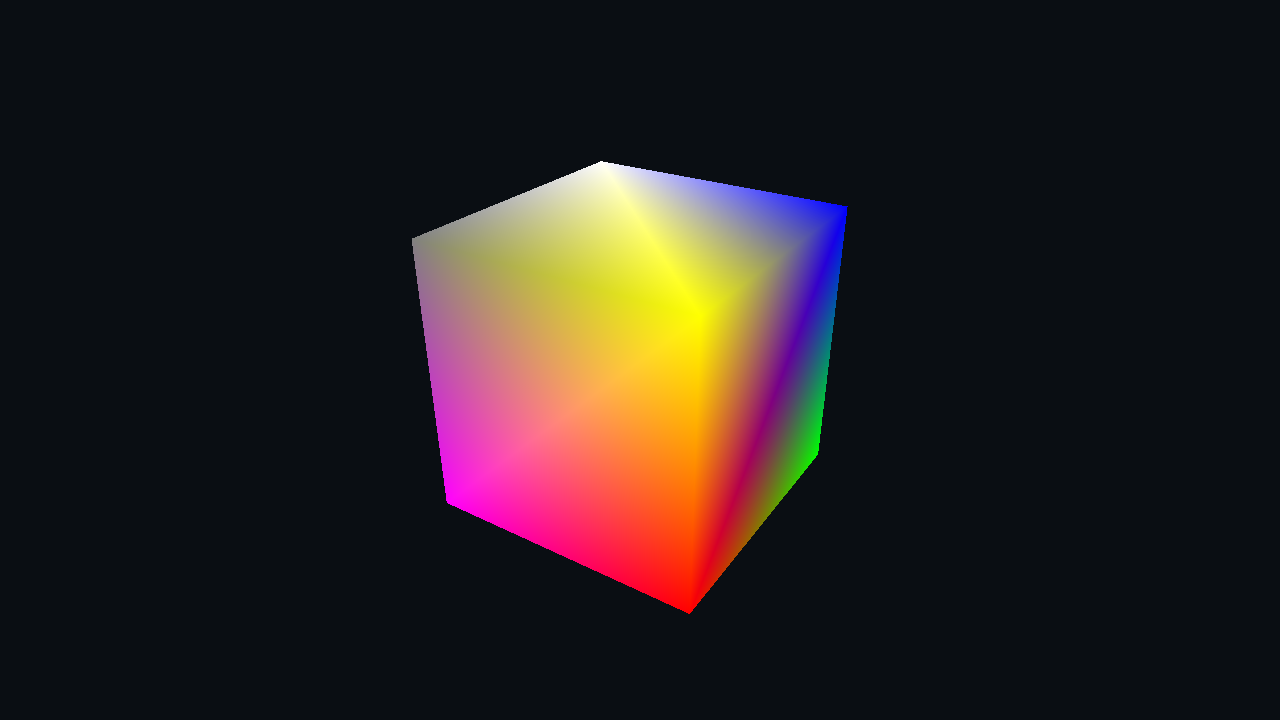
SpinningCubeRenderer.cs · SpinningCube.slang
Compute Shader
The sample loads Assets/Textures/shoko.png, converts it to grayscale in a compute dispatch, and displays the output texture. The conversion runs once; later frames display the same result. The renderer shows how to bind sampled and writable textures, round up thread-group counts to cover the image, and check image bounds in the shader.
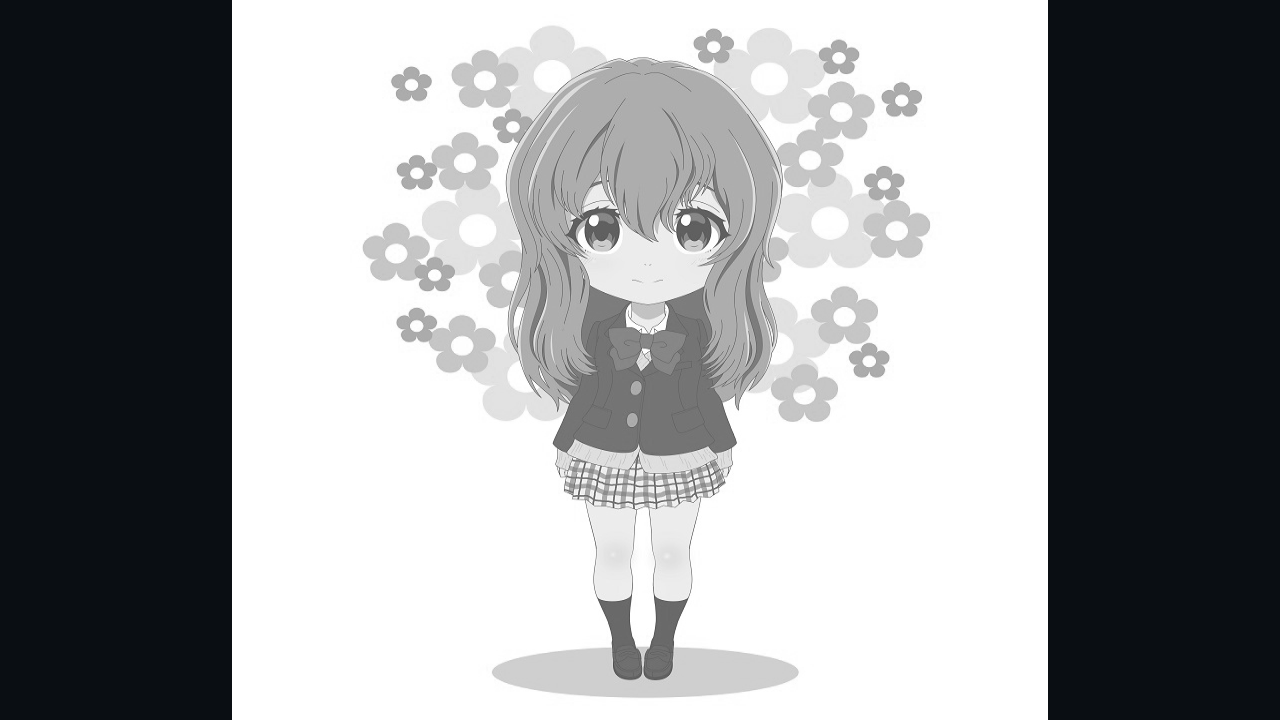
ComputeShaderRenderer.cs · ComputeShader.slang
Indirect Drawing
Indirect drawing renders multiple cube instances from a buffer of indexed draw arguments and a structured buffer of per-instance data. The CPU supplies the arguments and updates the transforms.

IndirectDrawingRenderer.cs · IndirectDrawing.slang
Ray Tracing
This example builds bottom-level and top-level acceleration structures for a floor and procedural spheres, then performs inline ray queries in a compute shader. It checks context.Capabilities.RayTracingSupported before initialization.
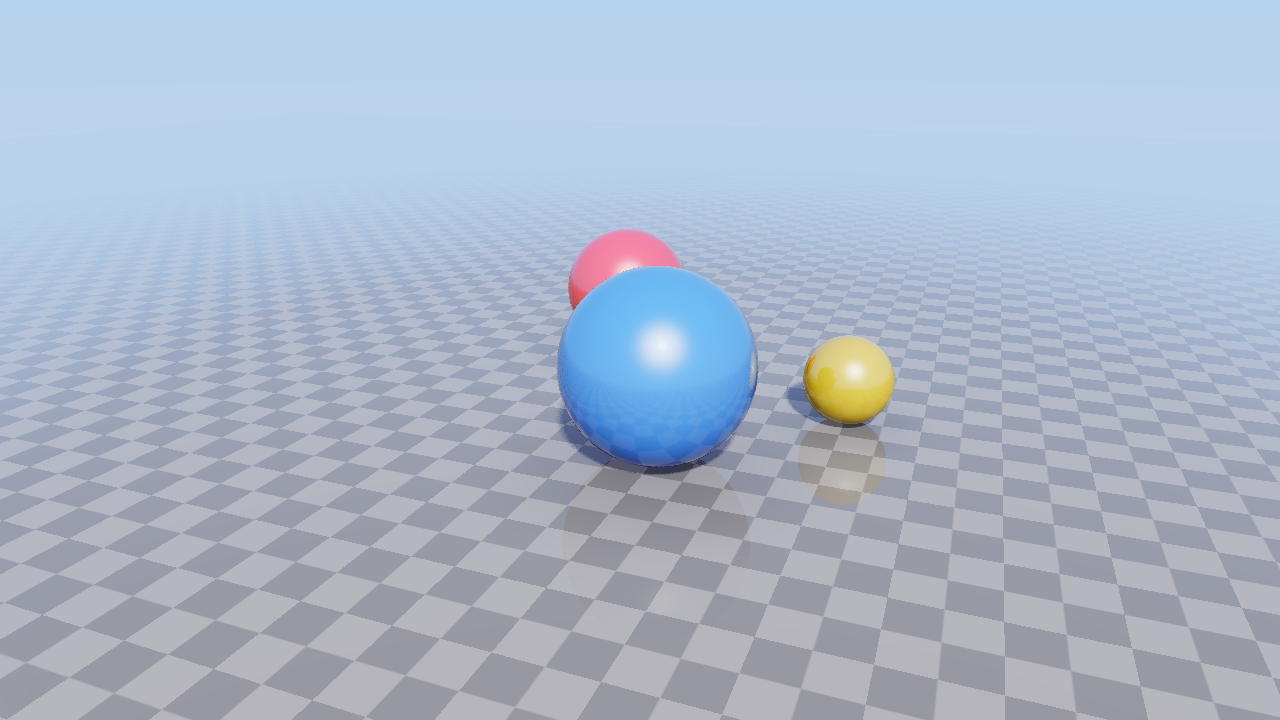
RayTracingRenderer.cs · RayTracing.slang
Mesh Shading
A task shader culls sphere instances and passes the retained indices to a mesh shader that emits geometry. The renderer checks context.Capabilities.MeshShadingSupported before creating the pipeline.

MeshShadingRenderer.cs · MeshShading.slang
Host and presentation
App.cs initializes the context, window, and swap chain. On each frame it obtains a command buffer, invokes the selected renderer, submits the commands, and presents the result. IRenderer.cs defines the renderer's update, render, resize, and disposal operations.
The compute and ray tracing renderers produce offscreen textures. TexturePresenter.cs and PresentTexture.slang draw those textures into the current drawable; the shared host then submits the commands and presents the frame.
Larger applications
The main repository's Experiments directory contains larger applications that reference the library source.
|
Example
|
Techniques and requirements
|
|
CornellBox
|
Path tracing, denoising, tone mapping, upscaling, and ImGui controls. Requires ray tracing support.
|
|
FluidTank
|
Compute fluid simulation, dependencies between simulation stages, and multipass surface rendering.
|
|
InkCanvas
|
Skia drawing and input handling in a native window. Requires the backend and Skia native library for the target platform.
|
|
PlatformDetection
|
Attempts to create a context for each backend and reports device capabilities. It reports a failed attempt as unsupported; the failure may be due to the device, driver, or a missing runtime dependency.
|
The windowed experiments use the same Windows, macOS, and Linux/X11 presentation paths. UI controls for Avalonia, WinForms, WPF, WinUI/Uno, and MAUI are covered in Platform Integration, including their frame lifecycle and implementation sources.